
Scrap Motherboard Buying in Canada | Ohata Shoji Canada Inc.
Last updated: Jun 06,2026 - based on current market conditions.
| Item Name | Scrap Price (Tax Incl.) |
|---|---|
| Computer scrap (desktops, laptops) | 0.40 CAD / lb |
| Mixed CPU (Black) | 37.00 CAD / lb |
| Mixed CPU (Green) | ⇧ 8.00 CAD / lb |
| PC Motherboards | 3.30 CAD / lb |
| PC Memory Grade A | 42.00 CAD / lb |
| CPU Ceramic (Purple) | 75.00 CAD / lb |
| PC memory Grade B (with Aluminum Cover) | 16.00 CAD / lb |
Ohata Shoji Canada Inc. purchases scrap computer and server motherboards for material recovery. We work with businesses, recyclers, and IT operators across Canada, and review material based on board type, generation, and attached components.
With more than 25 years of experience in metal recycling through our parent company, Ohata Shoji Japan (established in 1998), we apply long-standing evaluation practices to motherboard recycling and material recovery in Canada.
Motherboards do not need to be functional. Boards that are outdated, damaged, or no longer usable are commonly accepted for recycling purposes.
Motherboard purchasing
We purchase a wide range of computer and server motherboards as circuit board scrap. Because the material is evaluated for metal recovery, functionality is not required.
Boards that no longer boot, have failed components, blown capacitors, or are obsolete due to system upgrades are all suitable for review. Both desktop and server-grade boards are accepted.
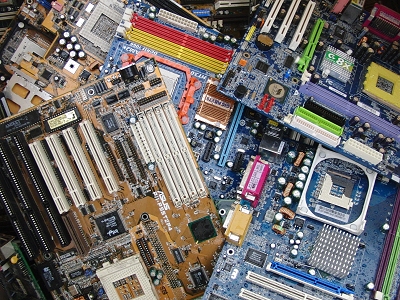
Motherboard purchases
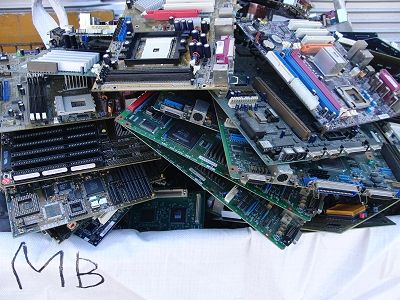
Computer motherboards
In addition to standard desktop boards, we also handle server motherboards from data centers and enterprise equipment.
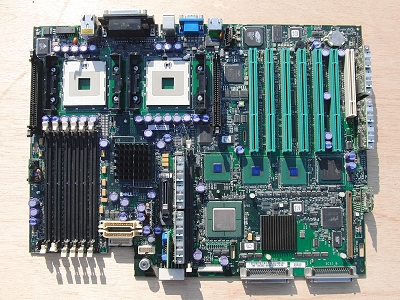
Server motherboards
If your boards are mixed or you are unsure of their classification, that is not a problem. Photos and a brief description are sufficient for an initial review.
How we classify motherboards
Motherboards differ by generation, primarily due to changes in CPU sockets, memory types, and system architecture. These differences affect how boards are categorized during evaluation.
The examples below illustrate common motherboard generations we regularly receive. You are not required to identify these details before contacting us.
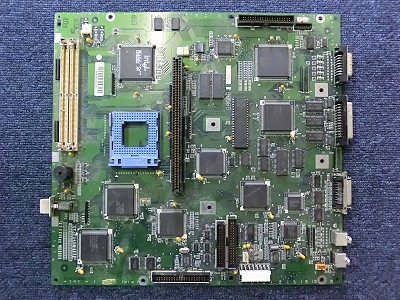
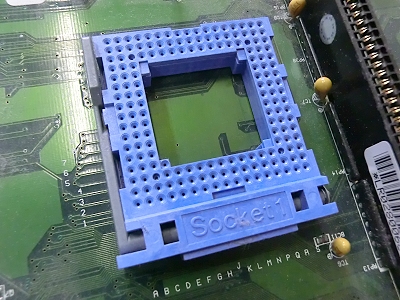
CPU: Socket 1, Memory: SIMM
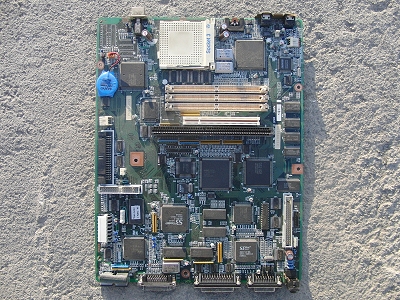
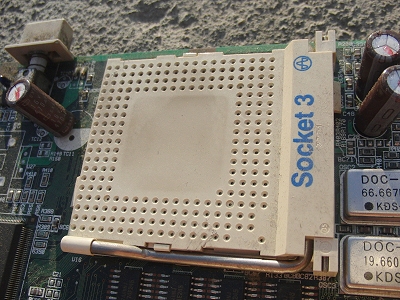
CPU: Socket 3, Memory: SIMM
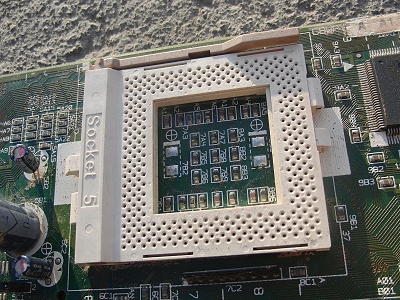
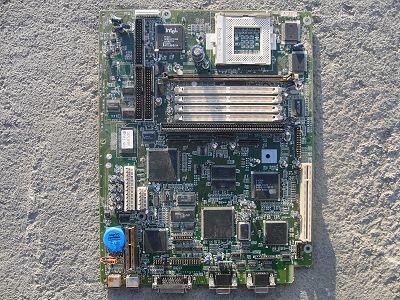
CPU: Socket 5, Memory: SIMM
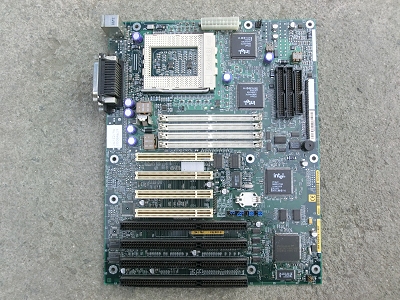
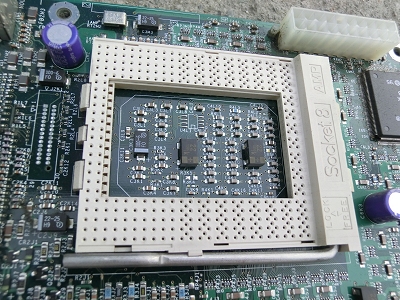
CPU: Socket 8, Memory: SIMM
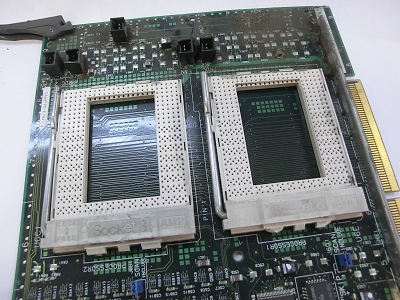
CPU: Socket 8 x 2 (Dual)
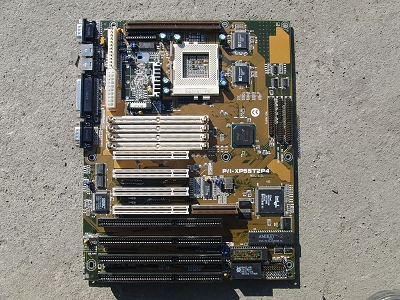
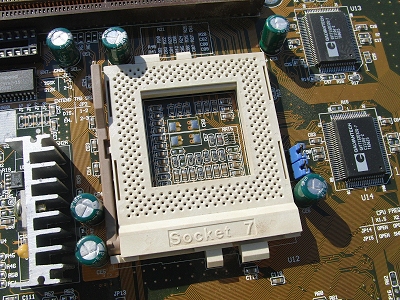
CPU: Socket 7, Memory: SIMM
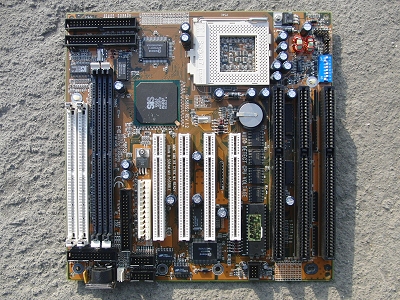
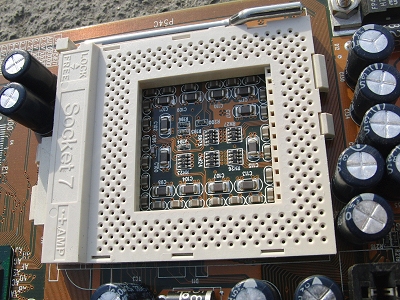
CPU: Socket 7, Memory: SIMM and DIMM compatible
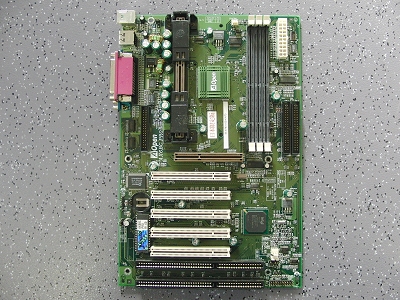
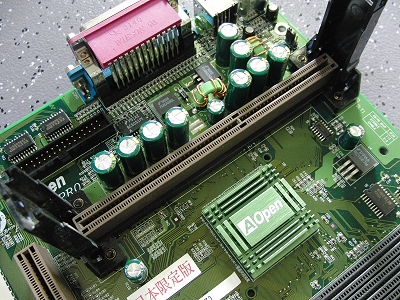
CPU: Slot 1, Memory: DIMM
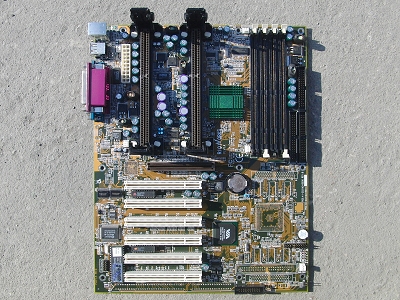
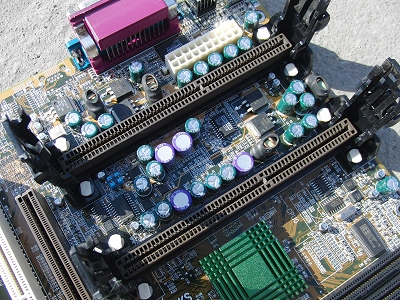
CPU: Slot 1 x 2 (Dual), Memory: DIMM
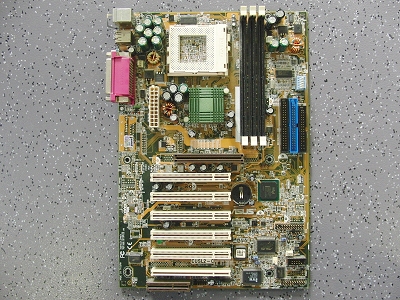
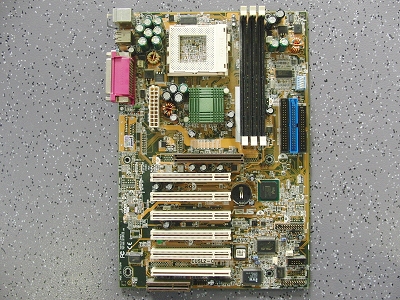
CPU: Socket 370, Memory: DIMM
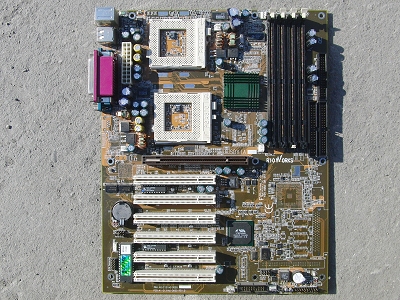
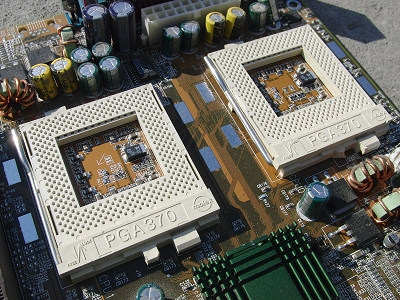
CPU: Socket 370 x 2 (Dual), Memory: DIMM
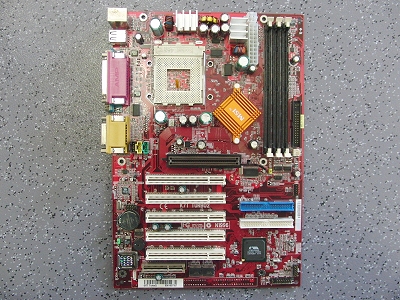
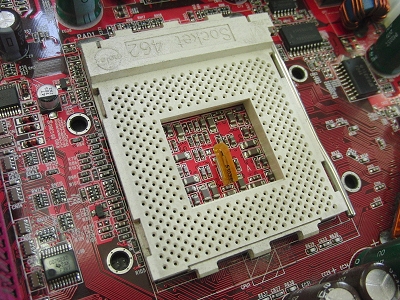
CPU: Socket A (Socket 462), Memory: DIMM
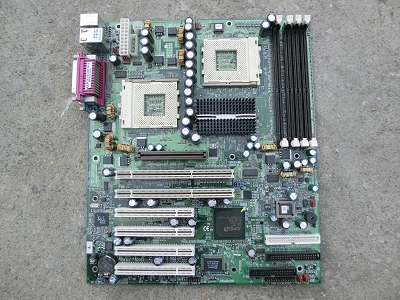
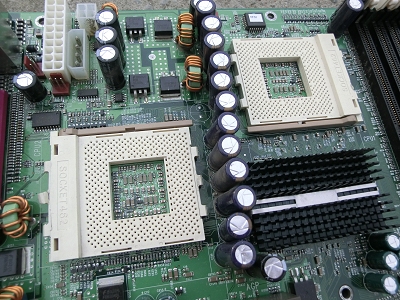
CPU: Socket A (Socket 462) x 2 (Dual), Memory: DDR
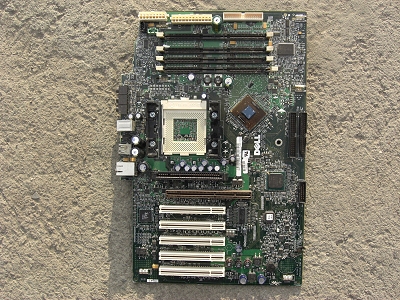
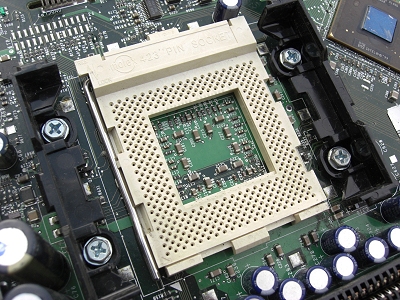
CPU: Socket 423, Memory: RIMM
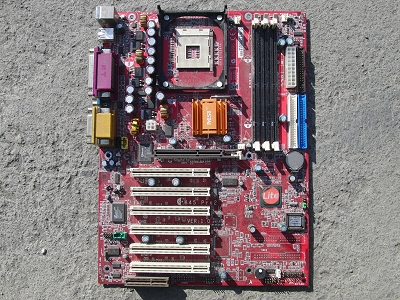
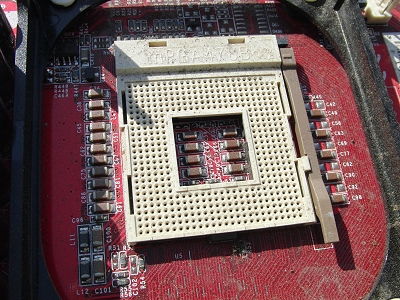
CPU: Socket 478, Memory: DIMM
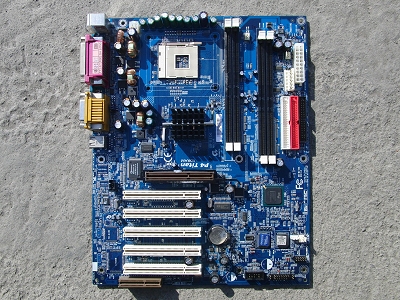
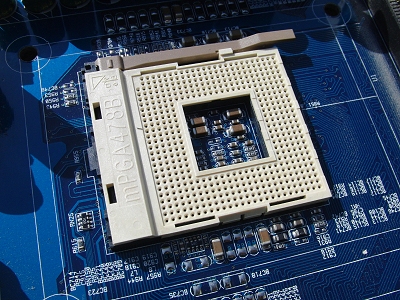
CPU: Socket 478, Memory: RIMM
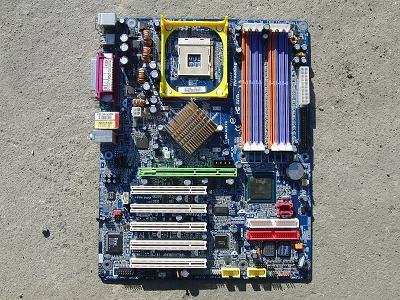
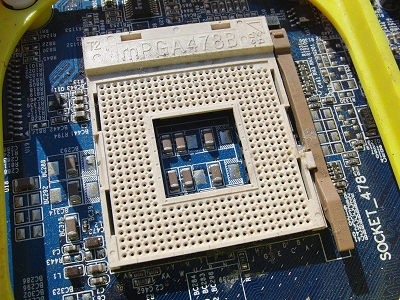
CPU: Socket 478, Memory: DDR
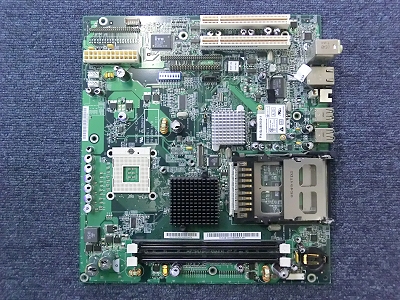
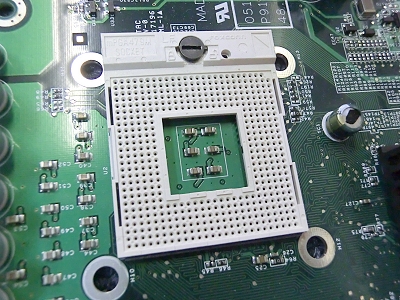
CPU: Socket 479, Memory: DDR2
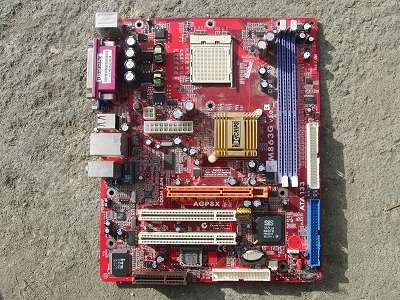
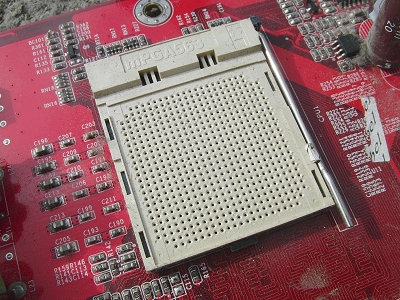
CPU: Socket 563 (CPU socket for AMD mobile CPUs), Memory: DDR
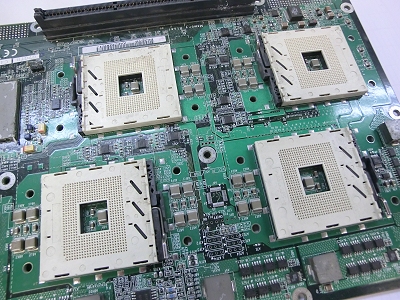
CPU: Socket 603 (for servers) x 4 (Quad)
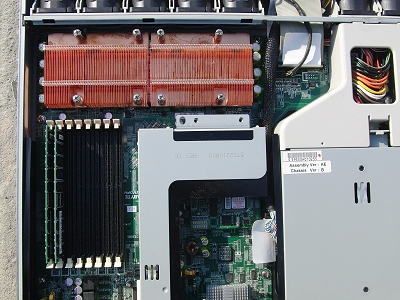
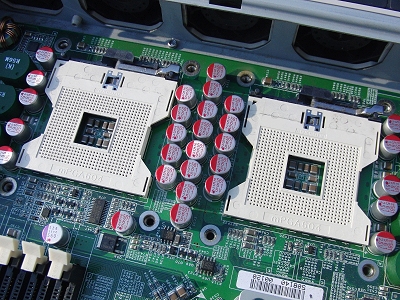
CPU: Socket 604 (Server) x 2 (Dual), Memory: DDR (ECC)
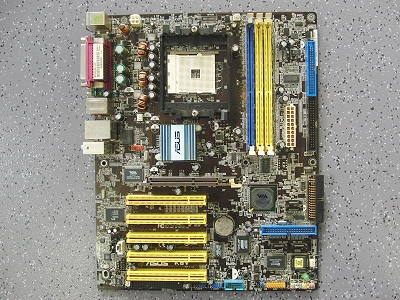
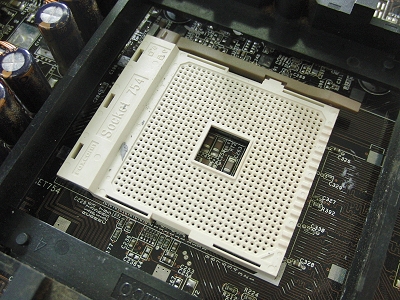
CPU: Socket 754, Memory: DDR
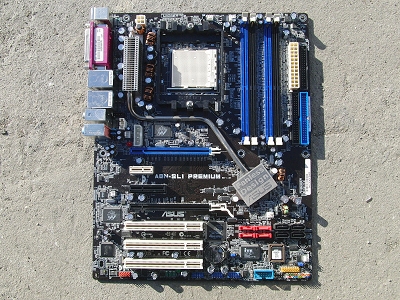
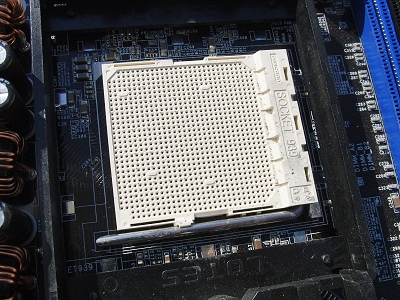
CPU: Socket 939, Memory: DDR
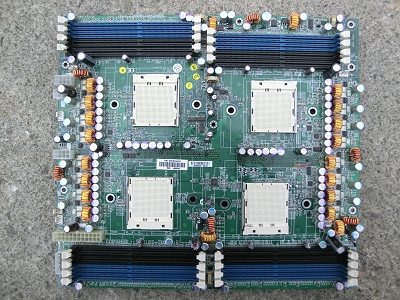
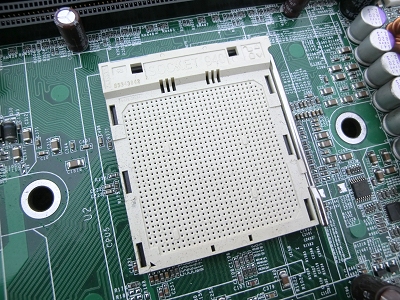
CPU: Socket 940 (Server) x 4 (Quad), Memory: DDR
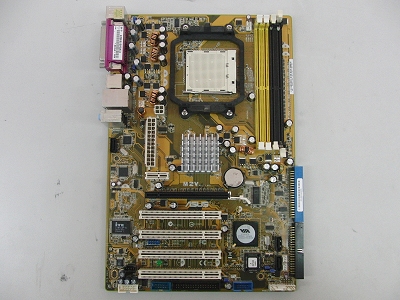
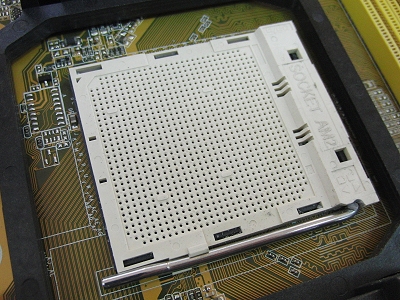
CPU: Socket AM2, Memory: DDR2
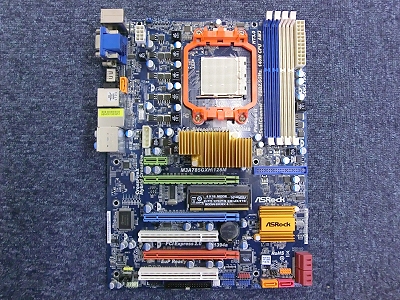
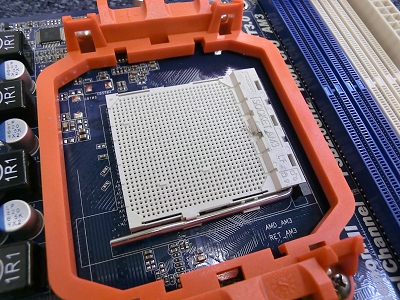
CPU: Socket AM3, Memory: DDR3
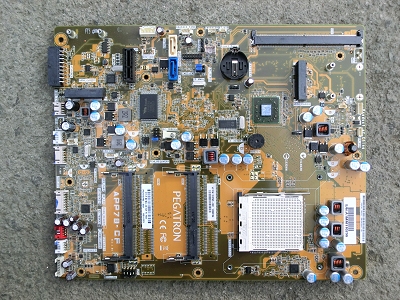
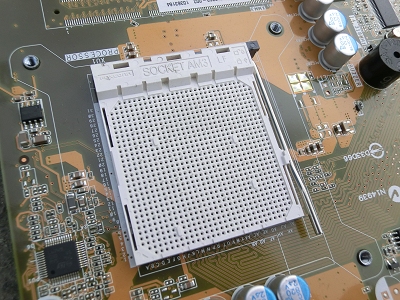
CPU: Socket AM3, Memory: DDR? (Notebook)
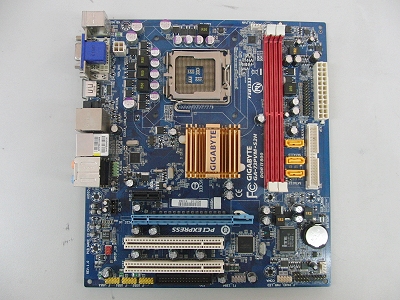
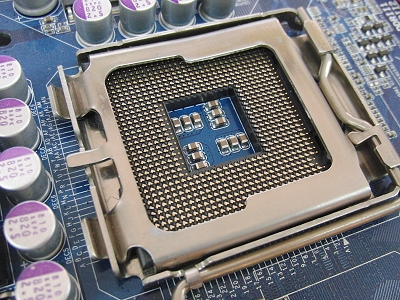
CPU: LGA775, Memory: DDR2
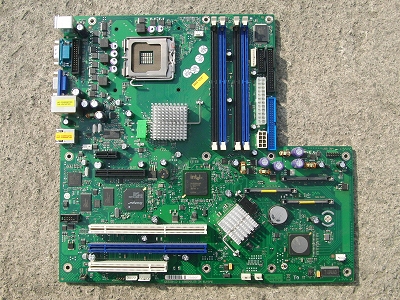
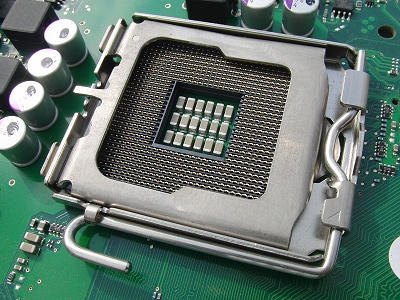
CPU: LGA775, Memory: DDR2 (ECC)
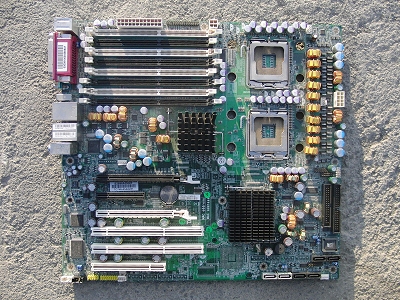
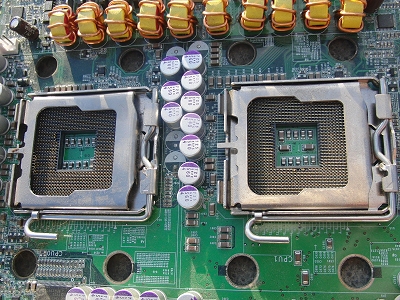
CPU: LGA771 (Server) x 2 (Dual), Memory: DDR2 (ECC)
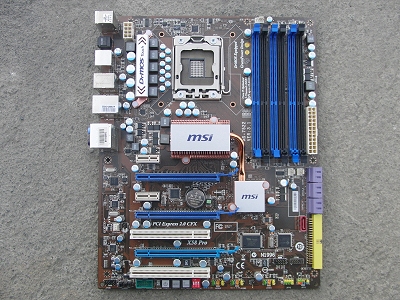
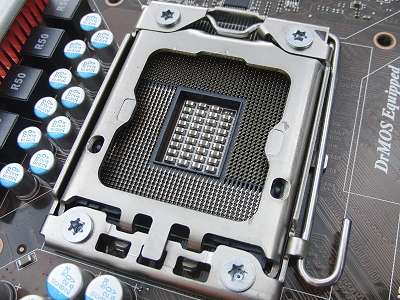
CPU: LGA1366, Memory: DDR3
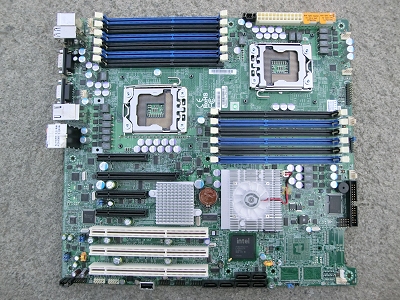
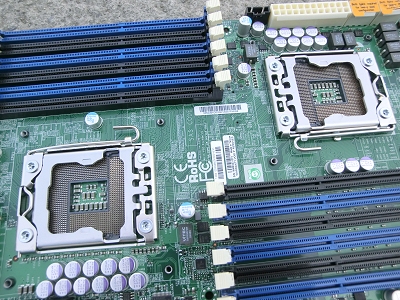
CPU: LGA1366 x 2 (Dual), Memory: DDR3
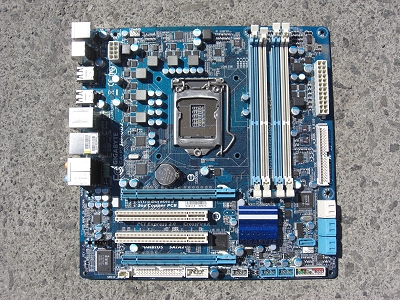
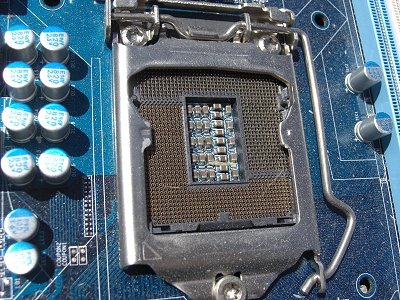
CPU: LGA1156, Memory: DDR3
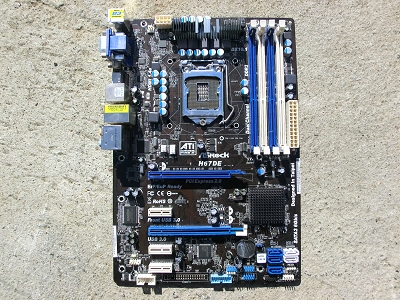
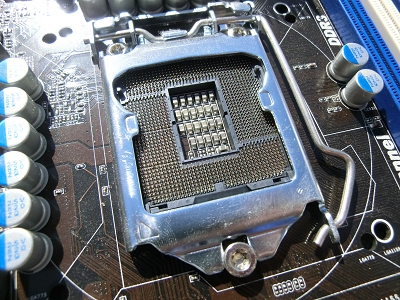
CPU: LGA1155, Memory: DDR3
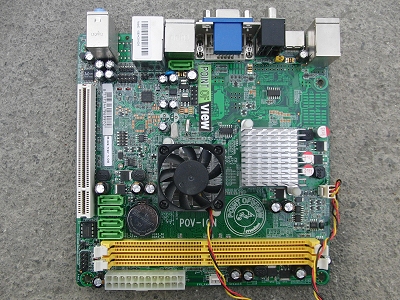
CPU: Atom (Bolt-on = Non-removable), Memory: DDR2
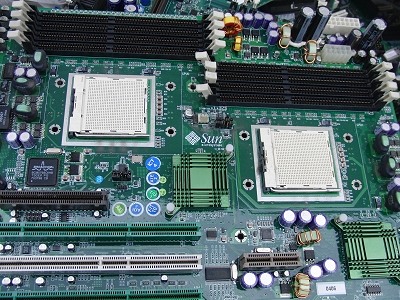
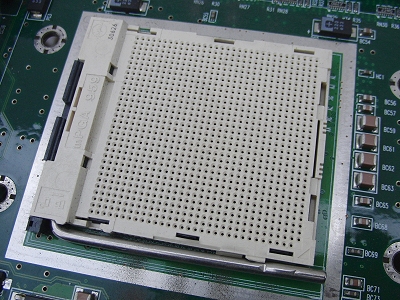
CPU: Socket 959 (Sun Microsystems), Memory: Unknown
For CPU socket information, please also see What is a Motherboard CPU Socket?
Preparation guidelines: remove the CPU cooler
You may leave the CPU installed (slot-type CPUs must be removed). Please remove the CPU cooler (fan and heatsink) from the top of the CPU before bringing boards in.
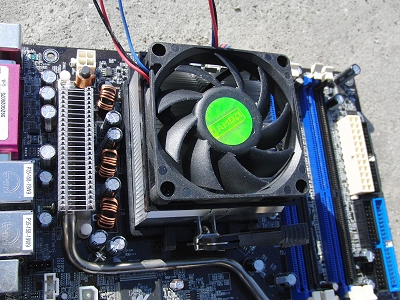
CPU cooler (fan and heatsink) on the motherboard

CPU cooler removed from the motherboard, leaving only the CPU
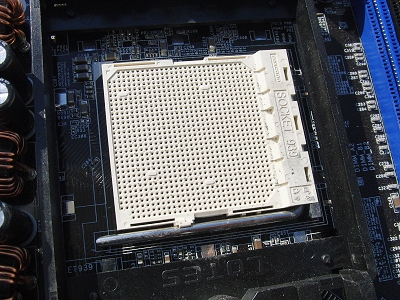
CPU removed from the motherboard
If the heatsink removed from the CPU cooler is made entirely of aluminum, we will purchase it separately as an aluminum heatsink.
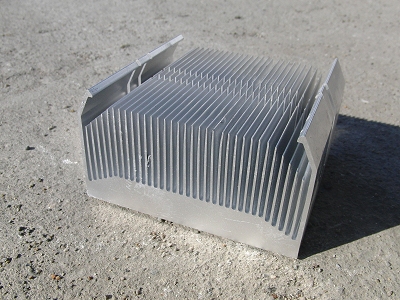
Aluminum heatsink
You may receive a higher return by removing the CPU and bringing it in separately. That said, CPUs are small and light, so the labour to remove them may outweigh the difference. Please decide what works best for your process, but be sure to remove any slot-type CPUs as noted above.
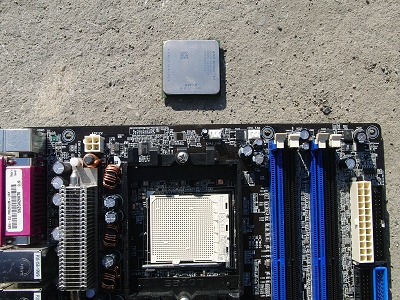
CPU removed from the motherboard (the square part at the top of the photo)
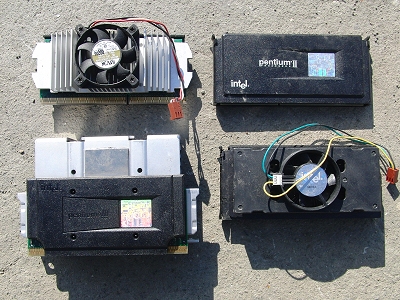
Please be sure to remove any slot-type CPUs.
The small heatsink on top of the chipset does not need to be removed.
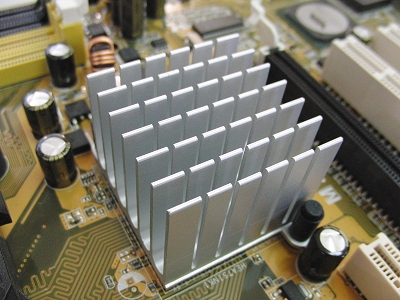
Heatsink on top of the chipset
Preparation guidelines: remove the back panel
Please remove the back panel from the rear connector area.
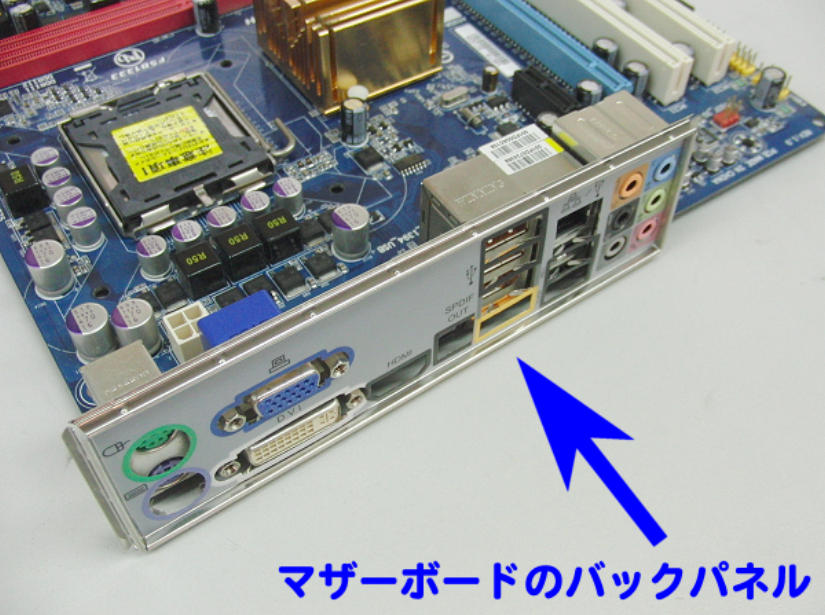
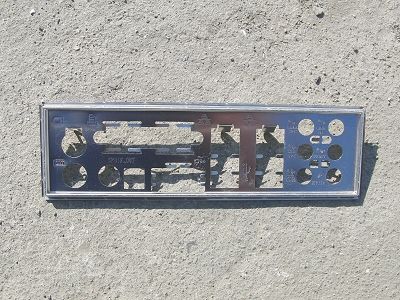
Motherboard back panel
If the motherboard is still attached to a steel bracket or other support, please remove the support as well. We ask that you bring in the motherboard only.
Keep motherboards dry
Motherboards are purchased for metal recovery, including precious metals such as gold and silver. Because these metals are present in very small amounts, extra weight from moisture can affect grading and may reduce value.
Please ensure boards are dry before delivery.